

Welcome to Qobra Public API V2
The V2 of Qobra’s Public API provides a modern, flexible, and performant way to extract your commission data. Built with large-scale data extraction in mind, it’s designed to work seamlessly with BI tools, ETL pipelines, and custom integrations.What’s New in V2?
V2 introduces a fundamentally different approach to data access, making it easier to discover what data is available and extract it efficiently.Key Improvements
Schema Discovery
Dynamically discover available data structures and their fields — no more
guessing what’s available
ID-Based Pagination
Efficient pagination for large datasets (200K+ records) with consistent
performance
Temporal Filtering
Filter data by last modified date for efficient incremental syncs
Enhanced Metadata
Rich field metadata including types, formats, currencies, and enum values
Base URL
Authentication
Authentication works the same as V1. Include your API key in the request header:Generate Your API Key
API keys are managed in Qobra’s global settings, in the API section.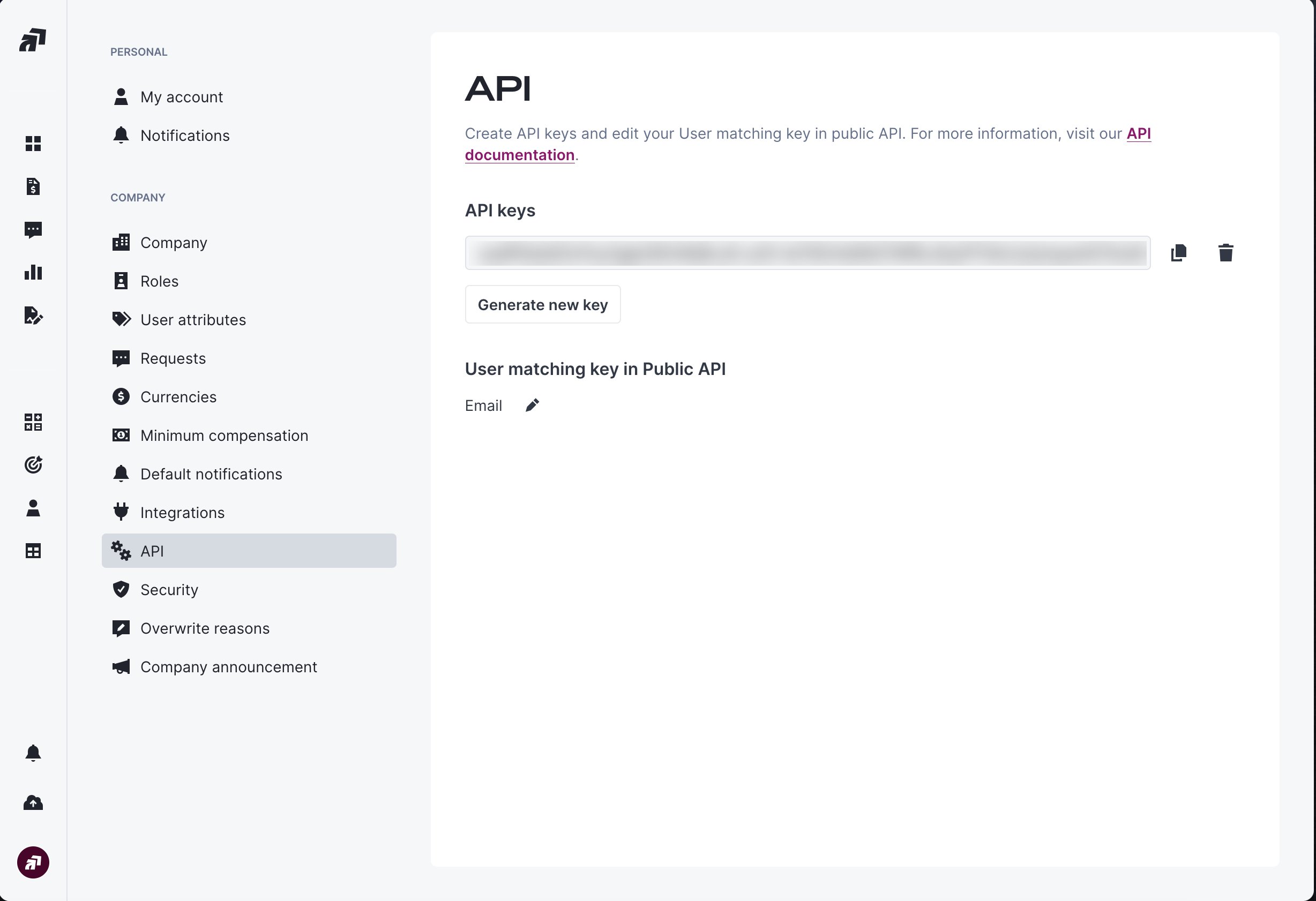
Core Concepts
V2 introduces key concepts that power the API:- Data Structures: Tables containing your commission data (statements reporting and records reporting)
- Schema Discovery: Dynamically inspect available fields and their types
- ID-Based Pagination: Efficient navigation through large datasets using record IDs
Live environment only
The Public API V2 only serves data from your company’s live environment. Reporting tables that exist in a sandbox environment are not reachable through V2. Concretely:GET /v2/data-structureslists only reporting tables from the live environment. Companies that also use reporting in a sandbox will see fewer entries here than in the Qobra app.GET /v2/data-structures/{table_id}/fields,GET /v2/reporting/{table_id}/records, andGET /v2/reporting/{table_id}/statementsreturn404 Not Foundwhentable_idbelongs to a sandbox environment, even if you obtained the id from the Qobra app while viewing a sandbox.
Migrating from V1 to V2
V1 reporting endpoints are deprecated in favour of V2. If you currently
call
/v1/reporting or /v1/reporting/{data_table_id}/records, we recommend
migrating. They are still served and no removal date is announced — as with
any breaking change on the Qobra API, you would be notified by email two
months in advance. Every other V1 endpoint stays on V1 and is maintained.Why Migrate?
V2 delivers significant improvements for all users, regardless of dataset size:Future-Proof
Schema discovery eliminates breaking changes when fields evolve
Faster Everywhere
15-35% performance improvement across all dataset sizes
Incremental Syncs
Temporal filters reduce API load and sync times
Better Data Quality
Rich metadata ensures type-safe integrations
Migration is straightforward — most teams complete it in 1-3 hours. V1 and
V2 can coexist during your transition, allowing you to test without disrupting
production.
Quick Links
Quickstart Guide
Extract your first dataset in 5 minutes
Endpoints Reference
Complete API endpoint documentation
Migration Guide
Move your reporting integration from v1 to v2
Support
Need help?- 📧 Email: support@qobra.co
- 📚 Help Center: help.qobra.co
- 💬 In-app chat support
Next Steps
Start with the Quickstart →
Follow our step-by-step guide to make your first API calls in 5 minutes