> ## Documentation Index
> Fetch the complete documentation index at: https://docs.qobra.co/llms.txt
> Use this file to discover all available pages before exploring further.
# HRIS Connector
## Introduction
Qobra connects seamlessly to 60+ HRIS, including `Workday`, `Lucca`,
`Factorial`, `ADP`, `Sage` and many more. You can access the whole
list [here](https://www.kombo.dev/integrations).
The integration is used to:
* synchronize users, management hierarchy, user groups, user attributes
* auto-provision users
## Sub-processing and security
To connect to all these HRIS systems, we rely on Kombo, a german subprocessor.
Kombo has been carefully audited on feature and security standards. They
follow the best security standards, and are `ISO27001`, `SOC 2 type 2`, and
`GDPR` compliant. You’ll find more information [here](https://security.kombo.dev/).
## Access
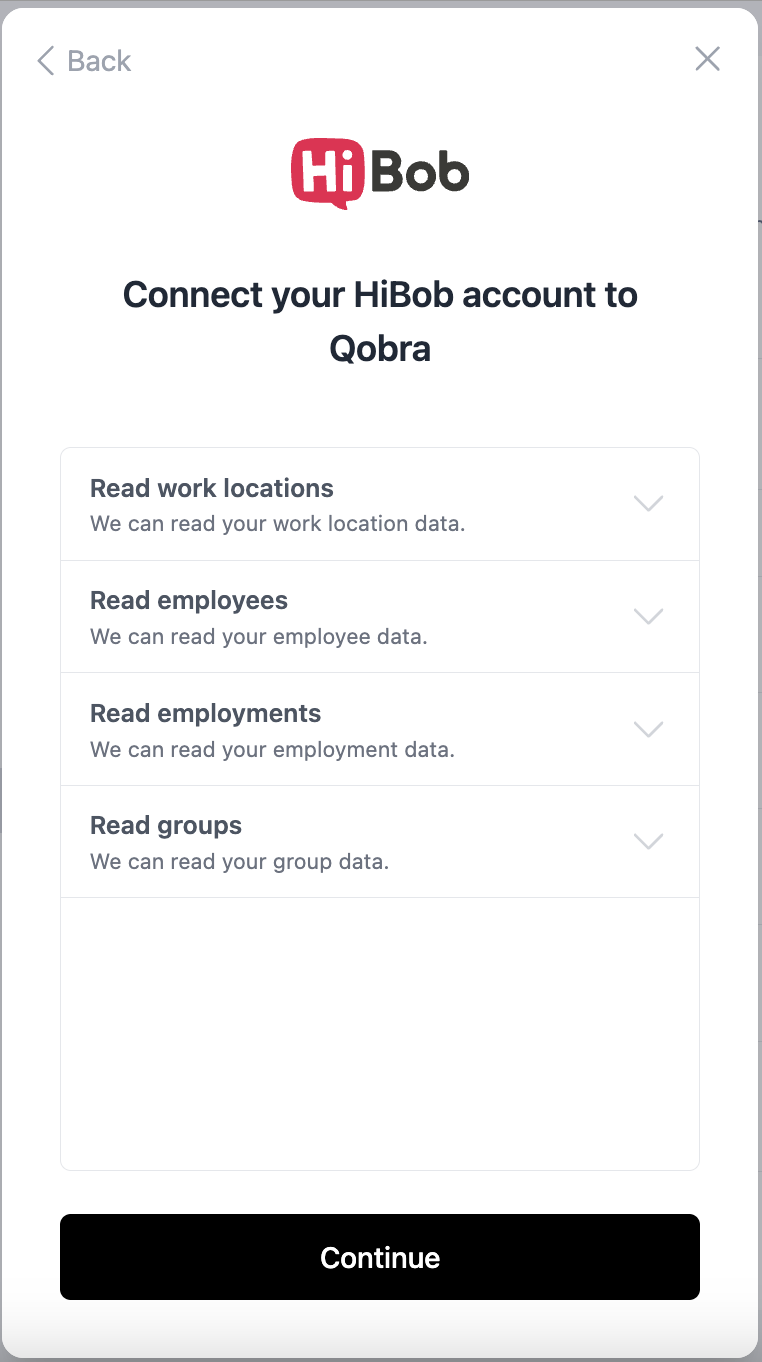
For each HRIS, you will be able to:
* choose the information scopes you give Qobra access to.
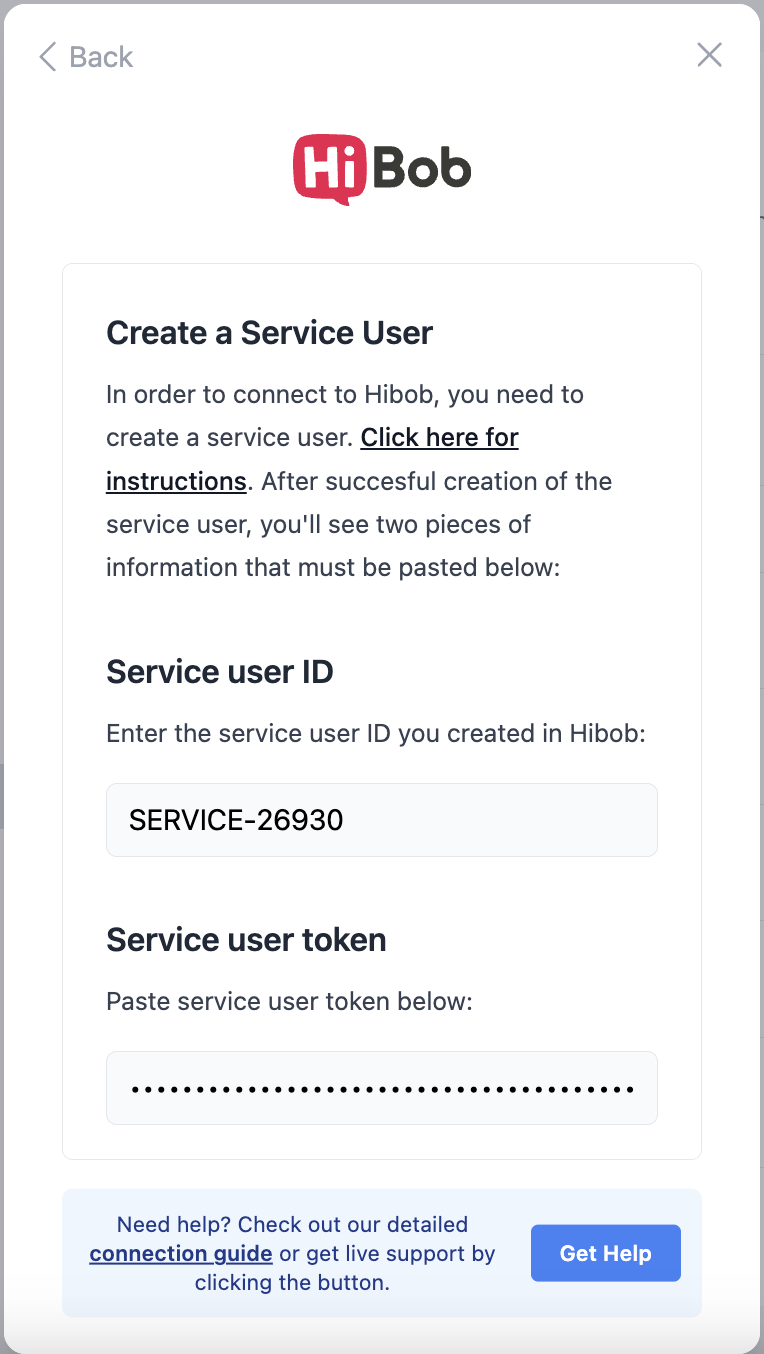
* connect your HRIS to Qobra via the most secured way available. For most
systems, this will be Oauth 2.0, but it can sometimes be via an api key or
a service user as shown below.
 ## Synchronization
### Scope & schedule
For all information synced with your HRIS, we do a full synchronization every
night. You can also trigger a synchronization when needed if you just
modified your HRIS data.
### User basic data
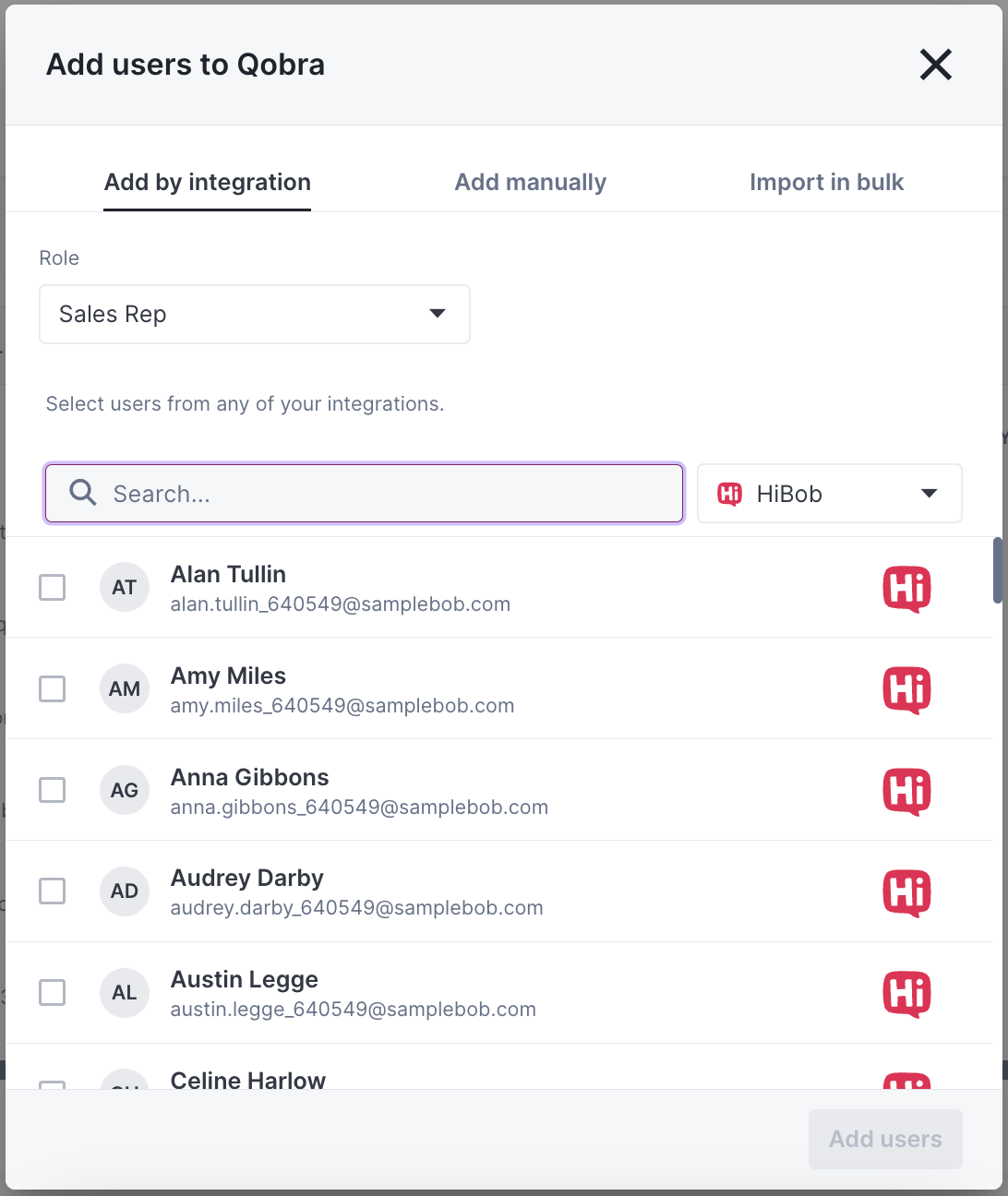
Once the integration is setup, you can in a single click import users. Their
name, email, and avatar will be synced with your HRIS.
## Synchronization
### Scope & schedule
For all information synced with your HRIS, we do a full synchronization every
night. You can also trigger a synchronization when needed if you just
modified your HRIS data.
### User basic data
Once the integration is setup, you can in a single click import users. Their
name, email, and avatar will be synced with your HRIS.
 ### Management hierarchy
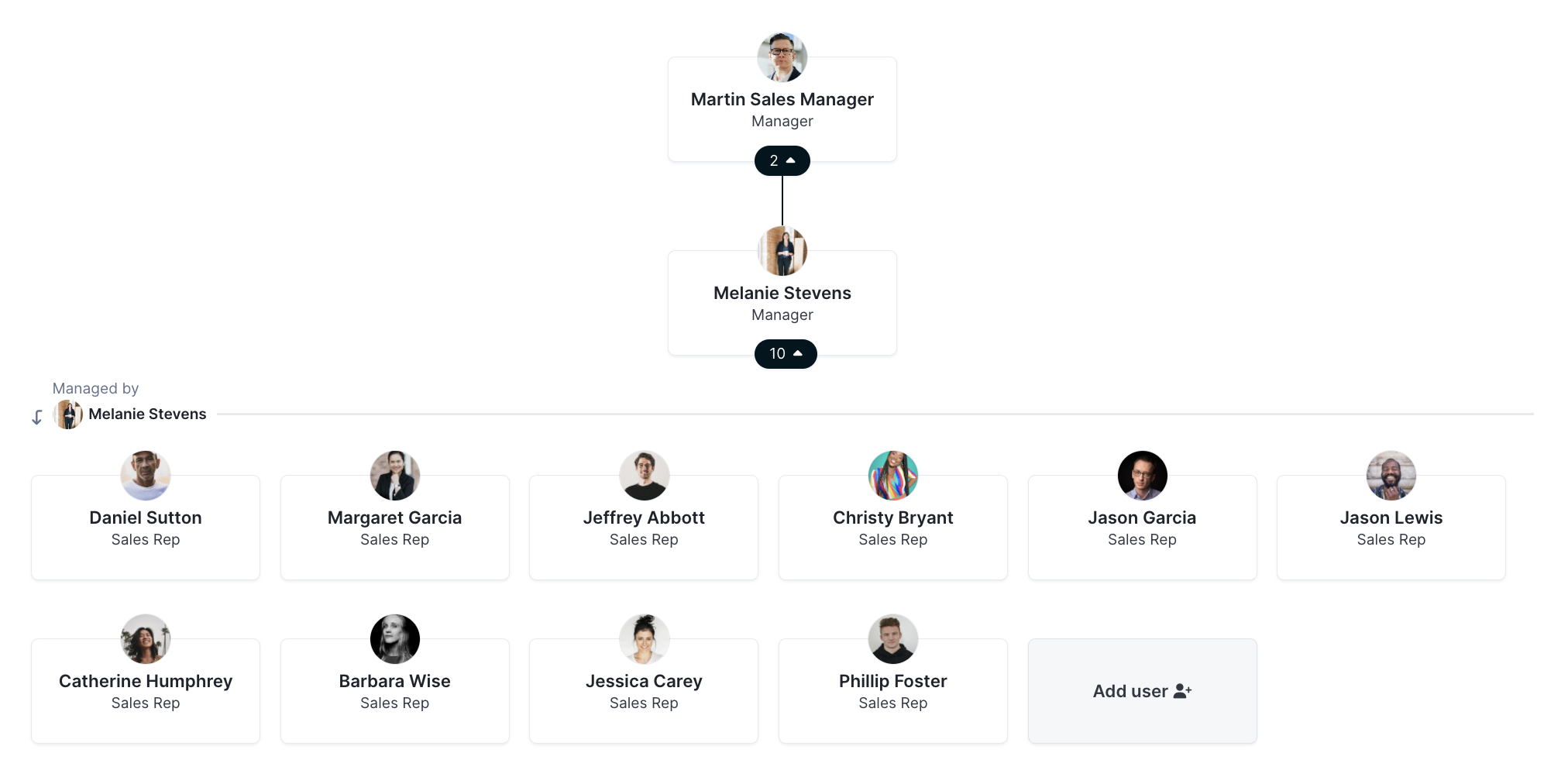
Your management hierarchy will be synchronized by Qobra for each month,
even if your HRIS system doesn't track historical changes to the management
structure.
### Management hierarchy
Your management hierarchy will be synchronized by Qobra for each month,
even if your HRIS system doesn't track historical changes to the management
structure.
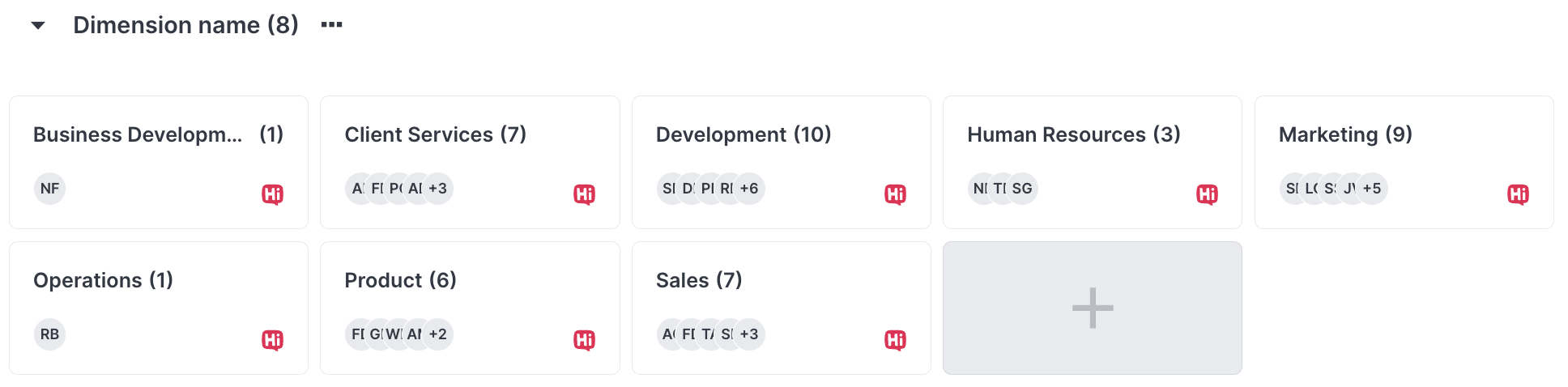
 ### User groups
The groups from your HRIS system can be synchronized as well. Data is
historicized by Qobra, even if your HRIS system doesn't track historical
changes to user groups.
### User groups
The groups from your HRIS system can be synchronized as well. Data is
historicized by Qobra, even if your HRIS system doesn't track historical
changes to user groups.
 ### Currencies
The currency of the imported users from your HRIS will be synchronized each night. By looking through the
employments returned by the HRIS it will pick the latest current employment and apply the found currency. If no currency is to be found
in the employments, it will use the company currency set in Qobra.
Important notice currently it is not possible for Qobra to synchronize the currency of the following HRIS:
* **Okta**
* **Zoho People**
If your HRIS is from the list above, the user currency will not be fetched. The user currency should be set directly in Qobra for each user.
### User attributes
You’ll find below a list of all supported user attributes (some might be disabled on specific HRIS systems).
| **User attribute** | **Type** |
| ----------------------- | ----------------- |
| Employee ID | `String` (unique) |
| Employee number | `String` (unique) |
| Job Title | `String` |
| Weekly hours | `Number` |
| Start date | `Date` |
| Termination date | `Date` |
| Employment Status | `Picklist` |
| Employment Type | `Picklist` |
| Legal entity > Name | `String` |
| Legal entity > City | `String` |
| Legal entity > Country | `Picklist` |
| Work Location > Name | `String` |
| Work Location > City | `String` |
| Work Location > Country | `Picklist` |
### Currencies
The currency of the imported users from your HRIS will be synchronized each night. By looking through the
employments returned by the HRIS it will pick the latest current employment and apply the found currency. If no currency is to be found
in the employments, it will use the company currency set in Qobra.
Important notice currently it is not possible for Qobra to synchronize the currency of the following HRIS:
* **Okta**
* **Zoho People**
If your HRIS is from the list above, the user currency will not be fetched. The user currency should be set directly in Qobra for each user.
### User attributes
You’ll find below a list of all supported user attributes (some might be disabled on specific HRIS systems).
| **User attribute** | **Type** |
| ----------------------- | ----------------- |
| Employee ID | `String` (unique) |
| Employee number | `String` (unique) |
| Job Title | `String` |
| Weekly hours | `Number` |
| Start date | `Date` |
| Termination date | `Date` |
| Employment Status | `Picklist` |
| Employment Type | `Picklist` |
| Legal entity > Name | `String` |
| Legal entity > City | `String` |
| Legal entity > Country | `Picklist` |
| Work Location > Name | `String` |
| Work Location > City | `String` |
| Work Location > Country | `Picklist` |